three ways to use makemode.
Sign in once, top up a balance of European credits, and build from wherever you work — the website, the desktop app, or your own terminal. The model keys stay on European servers; you only ever hold a session, never a provider key.
Wondering which door rather than which surface — games, quantum, the science notebook? see the flavors →
every request runs through the makemode gateway in france — nothing leaves the eu
one sign-in, one balance, the same eu rails underneath.
However you choose to build, it's the same four steps. You authenticate to your MakeMode account, the gateway holds the real model keys, and you spend prepaid credits — so there's never a key on your machine and never a surprise bill.
sign in
An email link, or your university login. You get a short-lived session — never a provider key.
top up
Prepaid credits in euros via Mollie (Amsterdam). You spend only what you've bought — no debt, no overage.
build
From the website, the desktop app, or opencode in your terminal — whichever fits how you work.
metered in the eu
The gateway in France injects the real key server-side, forwards to EU models, meters tokens, deducts credits.
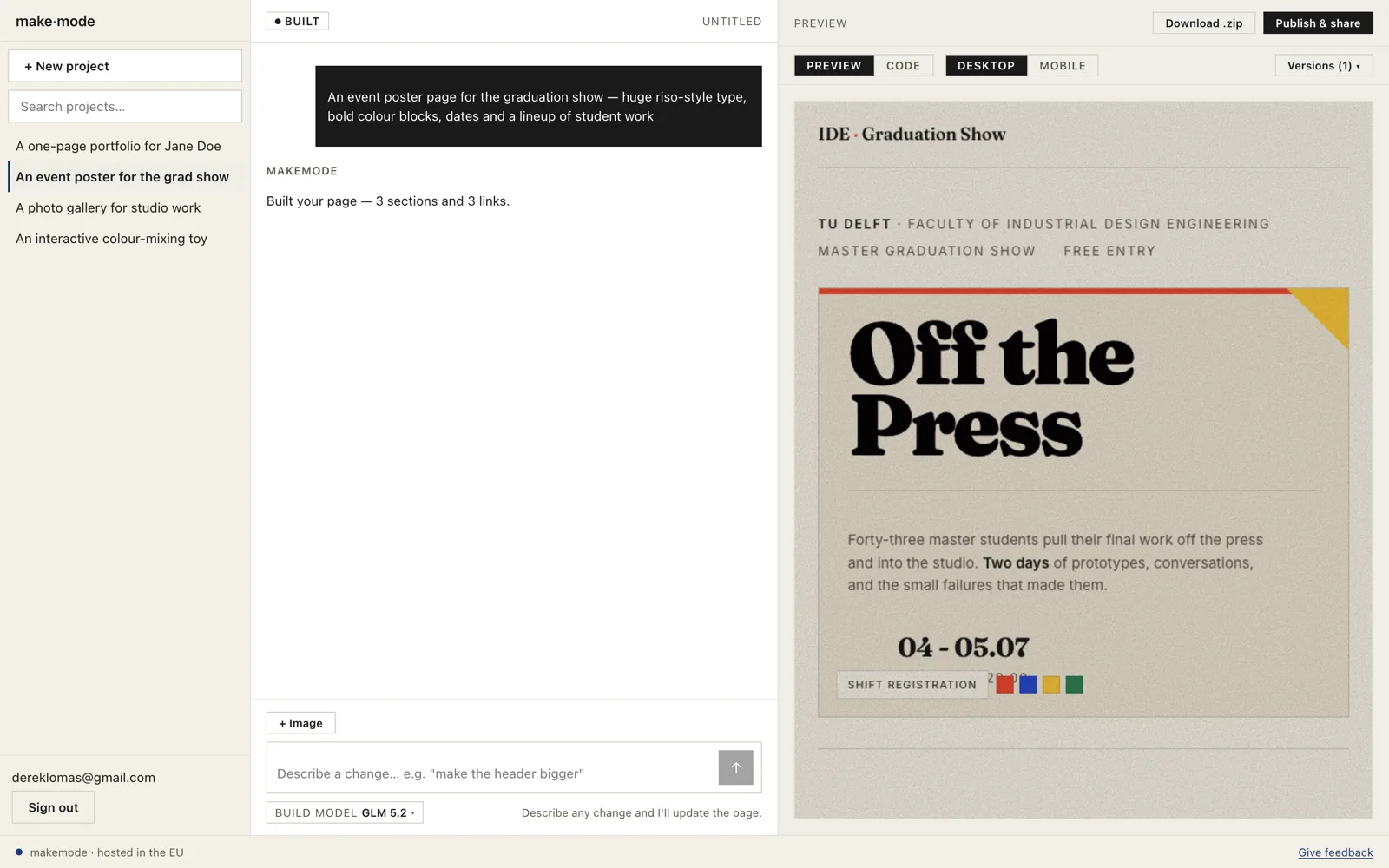
the website
Open MakeMode in a browser, describe what you want in plain words, and watch it build a real page you can publish to a shareable link. The calmest way in — nothing to install, nothing to configure.
- sign in
- An email magic link (or your university login) — then a balance of credits.
- you get
- describe → preview → publish a live link, hosted in the EU.
- best for
- design students and anyone who wants a page without touching code.
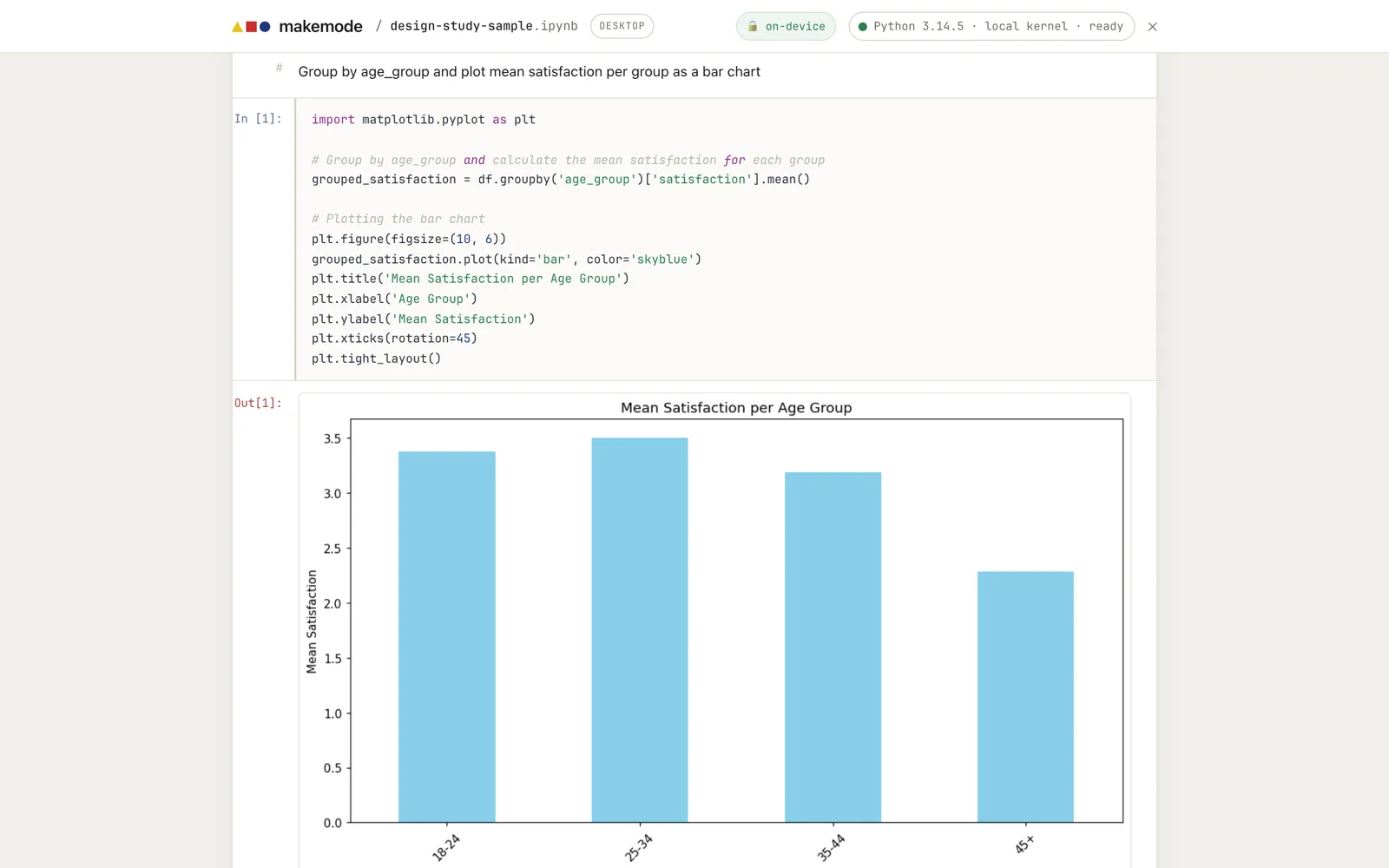
the desktop app
A desktop app that runs the full coding agent against files on your own machine — sandboxed and auditable, on European models. The agent a researcher can point at confidential data, because nothing crosses the Atlantic.
- sign in
- Device-code: approve once in your browser; the app holds a short-lived session.
- you get
- the full agent on your project, EU models, a live cost & CO₂ readout.
- best for
- researchers and staff working on data that isn't allowed to leave the EU.
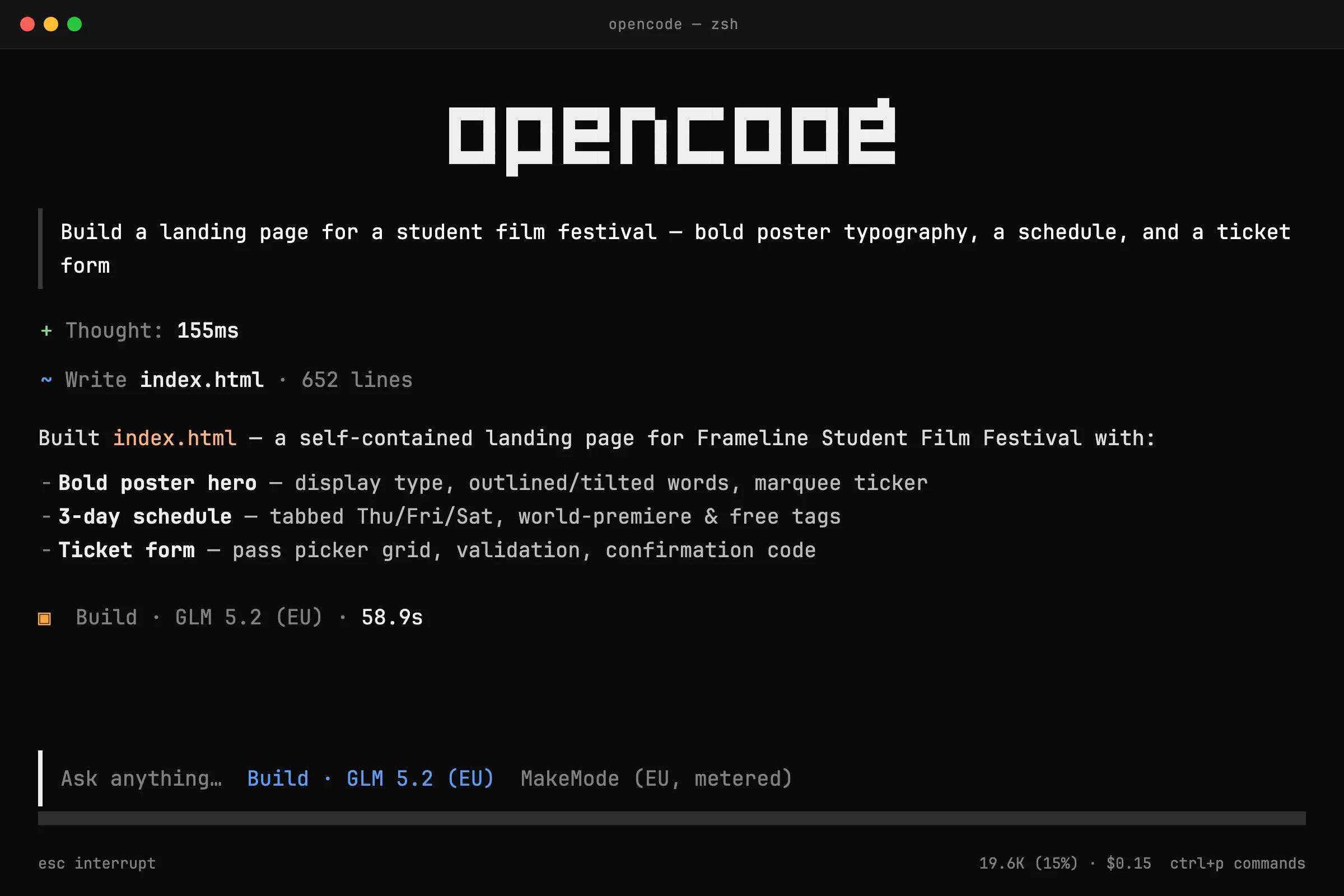
opencode in your terminal
Already use opencode, a CLI, or the SDK? Point it at the MakeMode gateway with a personal key and keep your exact workflow — same agent, same balance, same EU rails. A drop-in, OpenAI- and Anthropic-compatible endpoint.
- sign in
- Generate an
sk-gw-…key in your account and paste it into opencode's provider config. - you get
- the full agent in your own editor, metered against the same prepaid credits.
- best for
- engineers and power users who want sovereignty without leaving the terminal.
four ways in — all european, all revocable.
No provider key ever touches your machine. You hold a session or a personal key; the real model keys live on the gateway in France. Prepaid throughout, so you only ever spend what you've bought.
email link live
The friendly default. Type your email, click the link we send — no password to remember.
university login planned
Sign in with your institution through SURFconext — the Dutch education federation TU Delft and its peers already use — extending across Europe via eduGAIN.
device code live
For the desktop app: approve the device once in your browser and the app holds a short-lived session.
personal keys live
For opencode, the CLI, or the SDK: create an sk-gw-… key, paste it into your provider config, revoke it any time. set up opencode →
The flow shown here is where MakeMode is headed; some sign-in methods are still rolling out. The sovereign rails underneath — EU gateway, EU models, EU payments — are the fixed point.