not a mockup · screenshots from the running app
what does it look like?
Build your ideas — and share them on MakeMode's EU infrastructure.
the make-loop
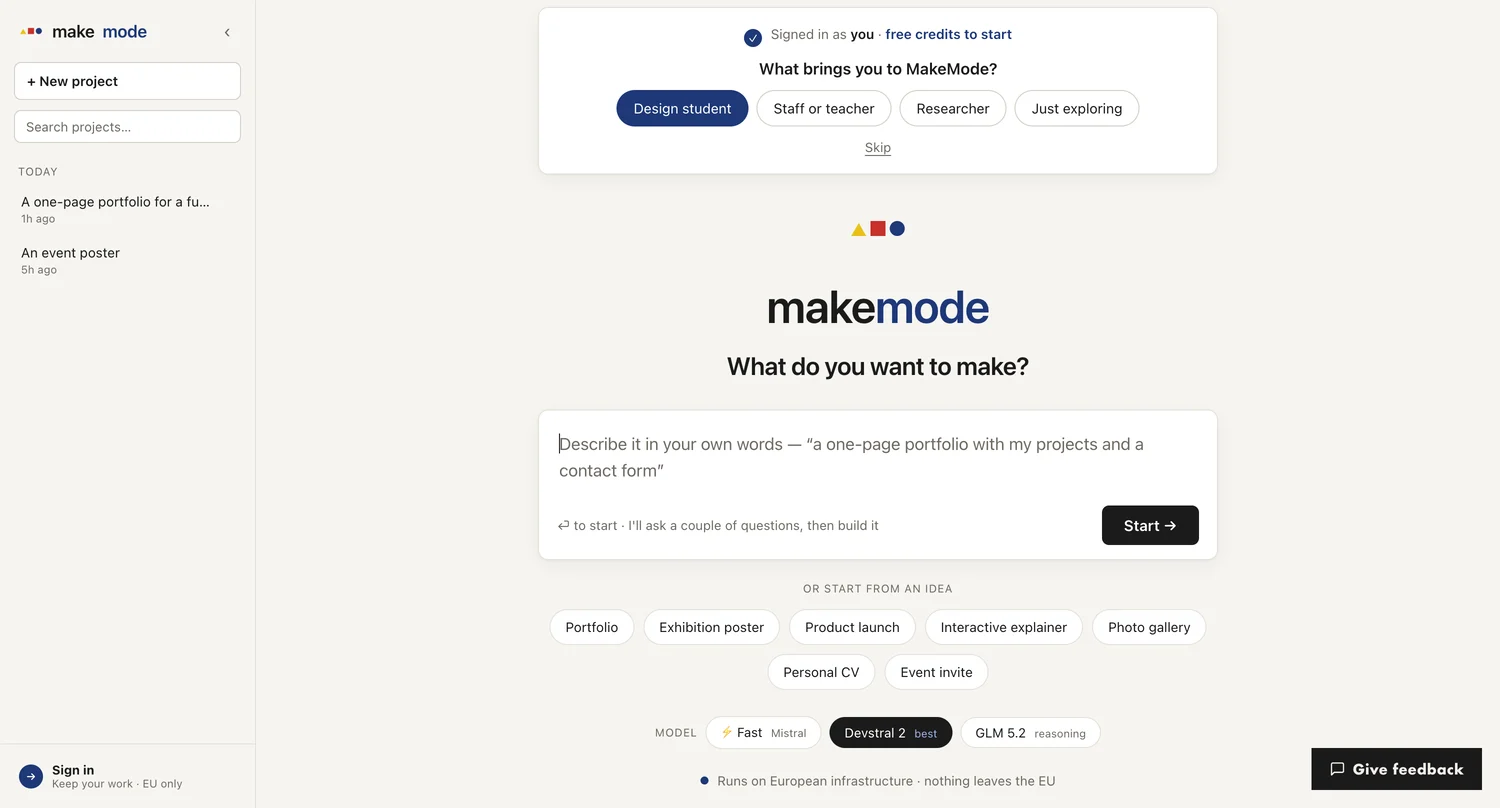
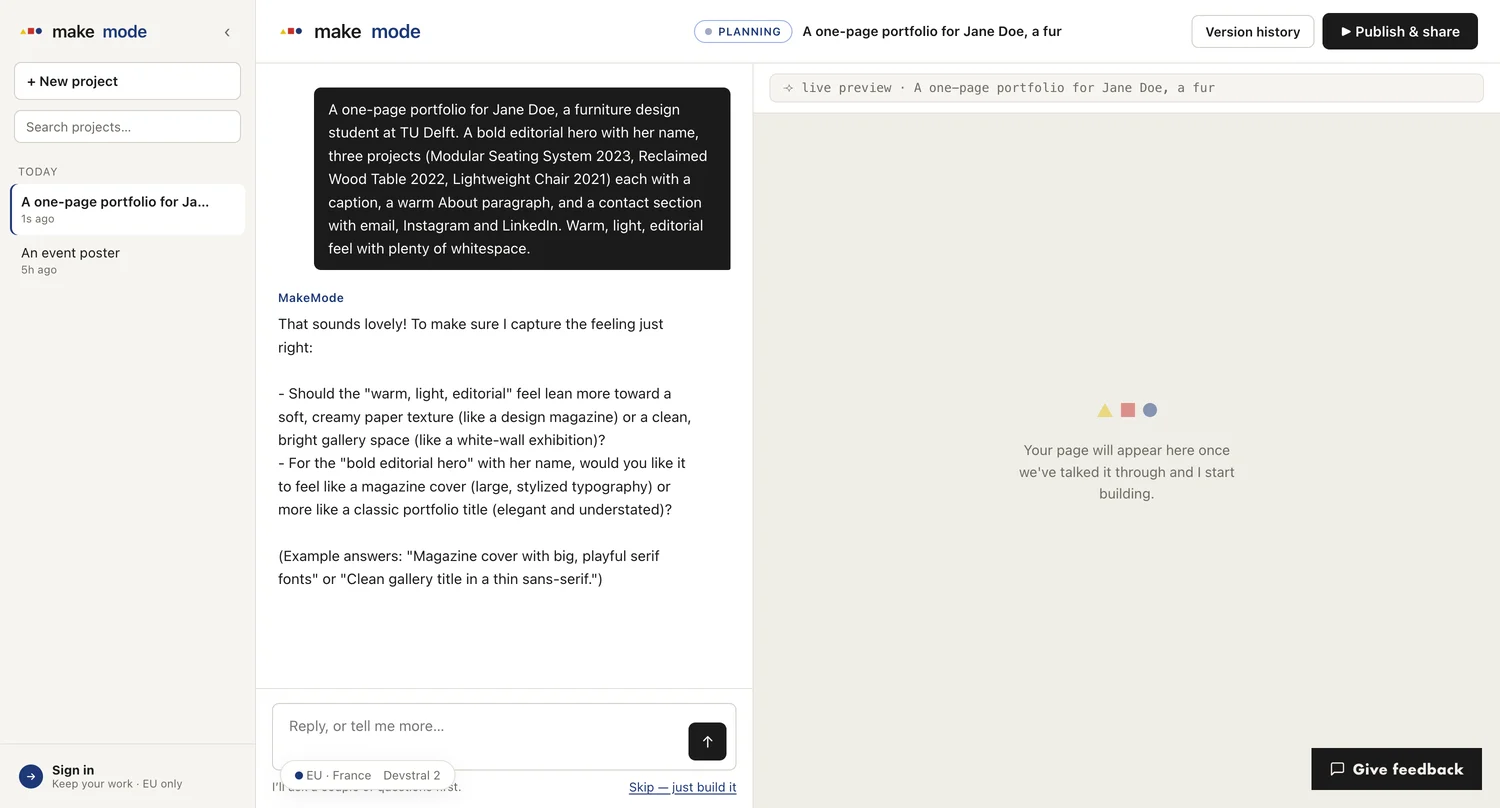
2 it asks a couple of questions first
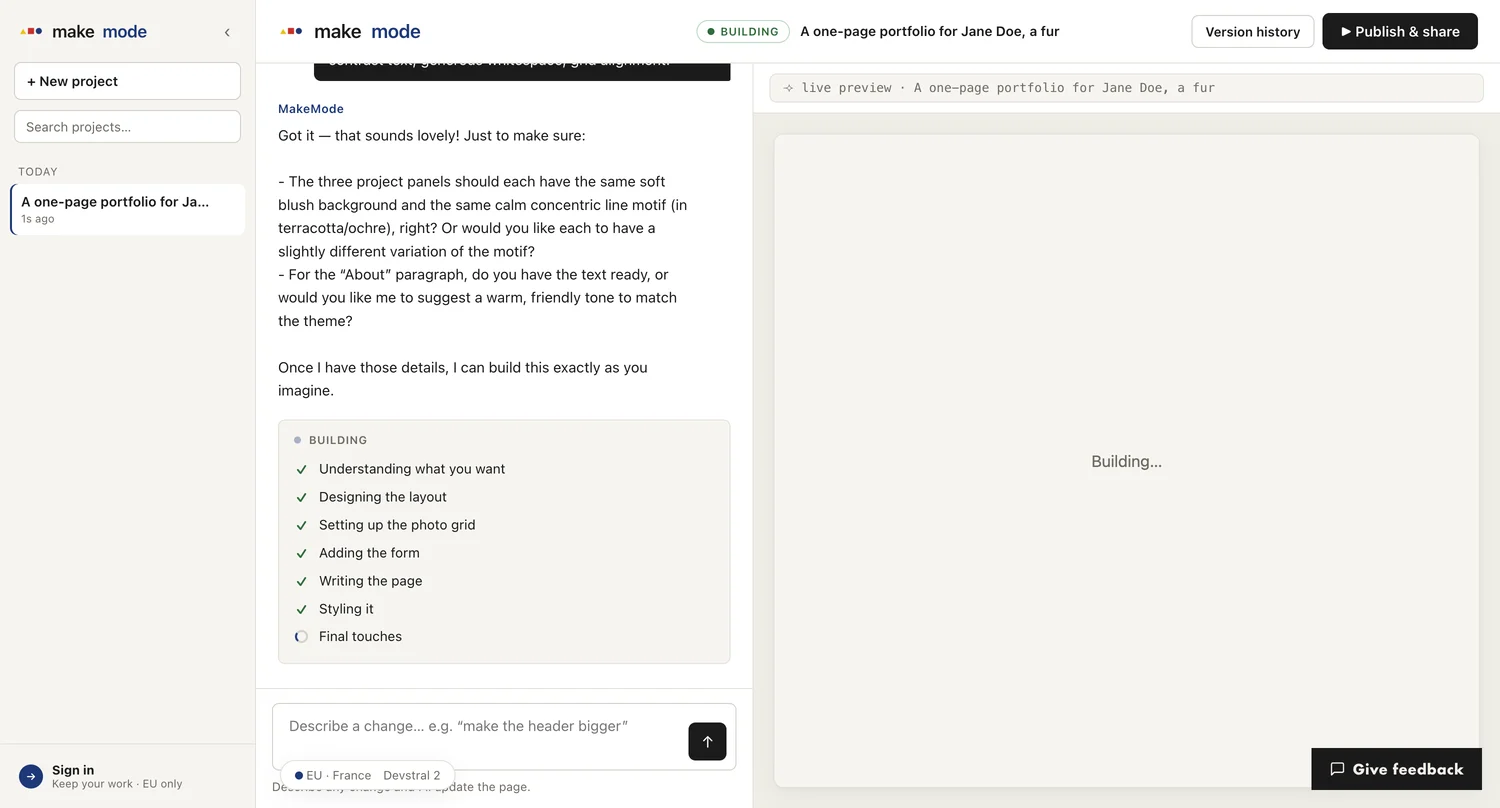
3 then it builds — live, in front of you
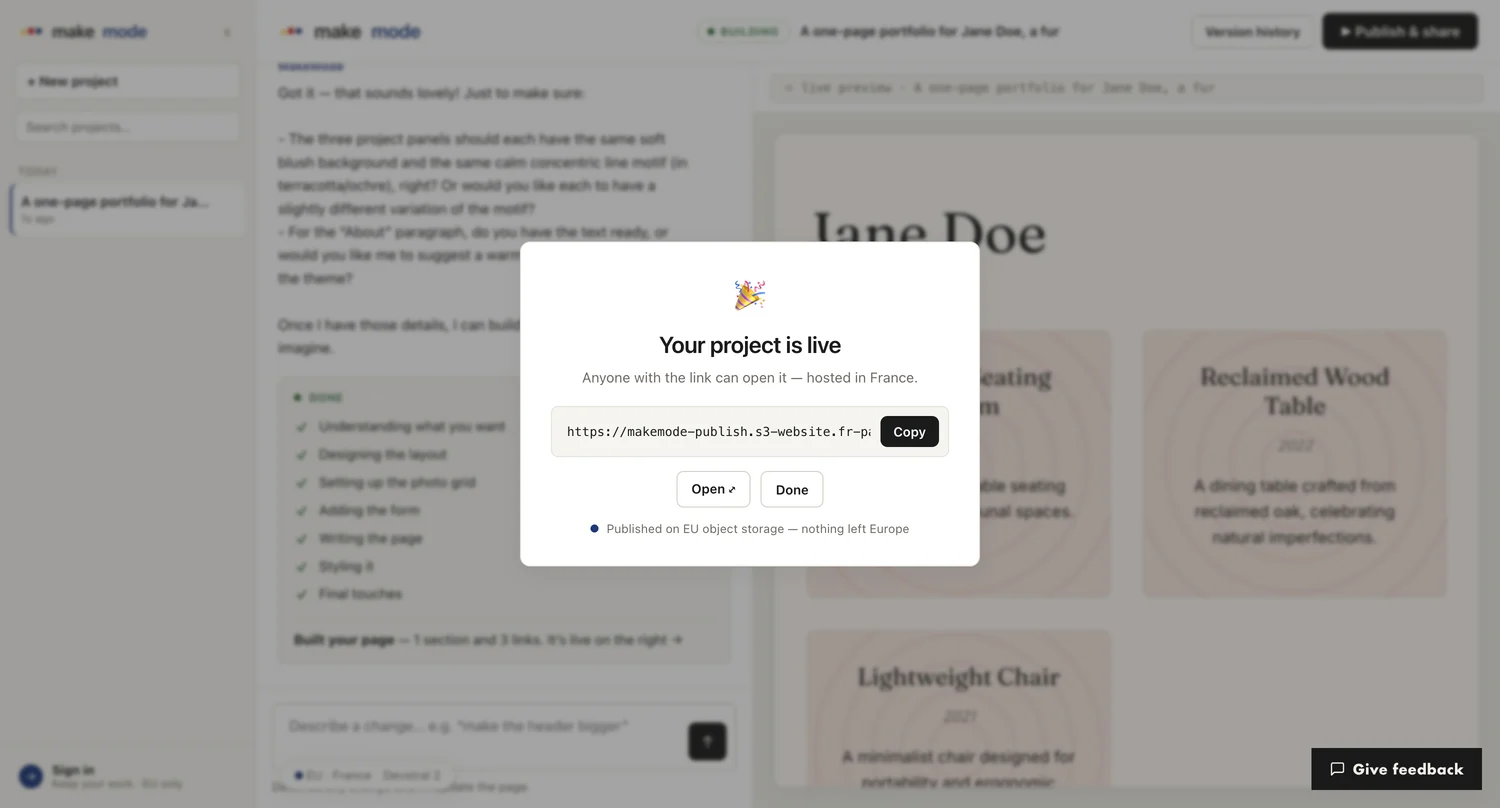
5 publish · your project is live, hosted in france
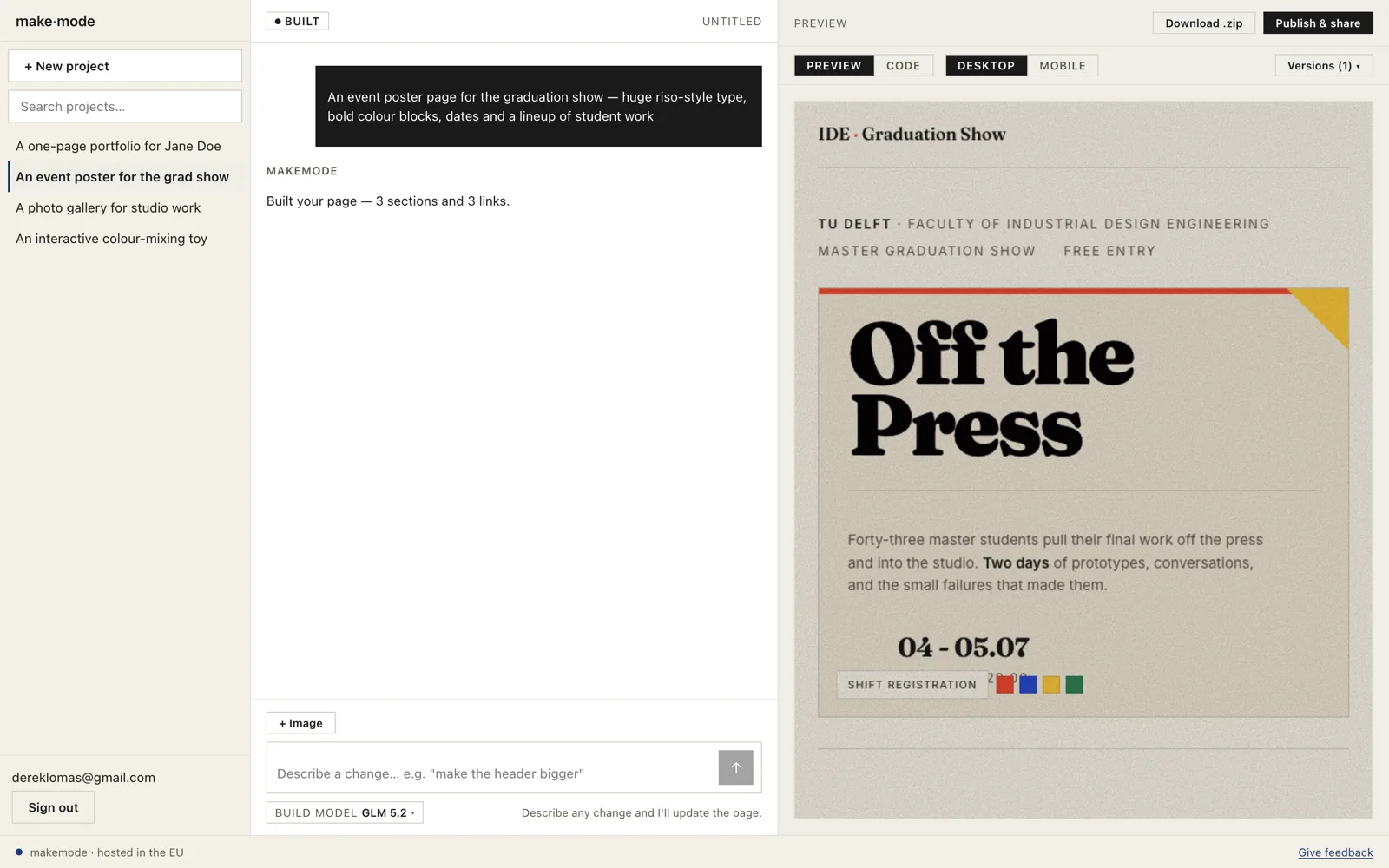
6 not just one trick · a grad-show poster, same make loop
describe → build → publish.
The web app runs right in your browser. Describe what you want, watch it take shape in a live preview, and turn it into a real page you can share.
1 it starts with a sentence — say what you want to make
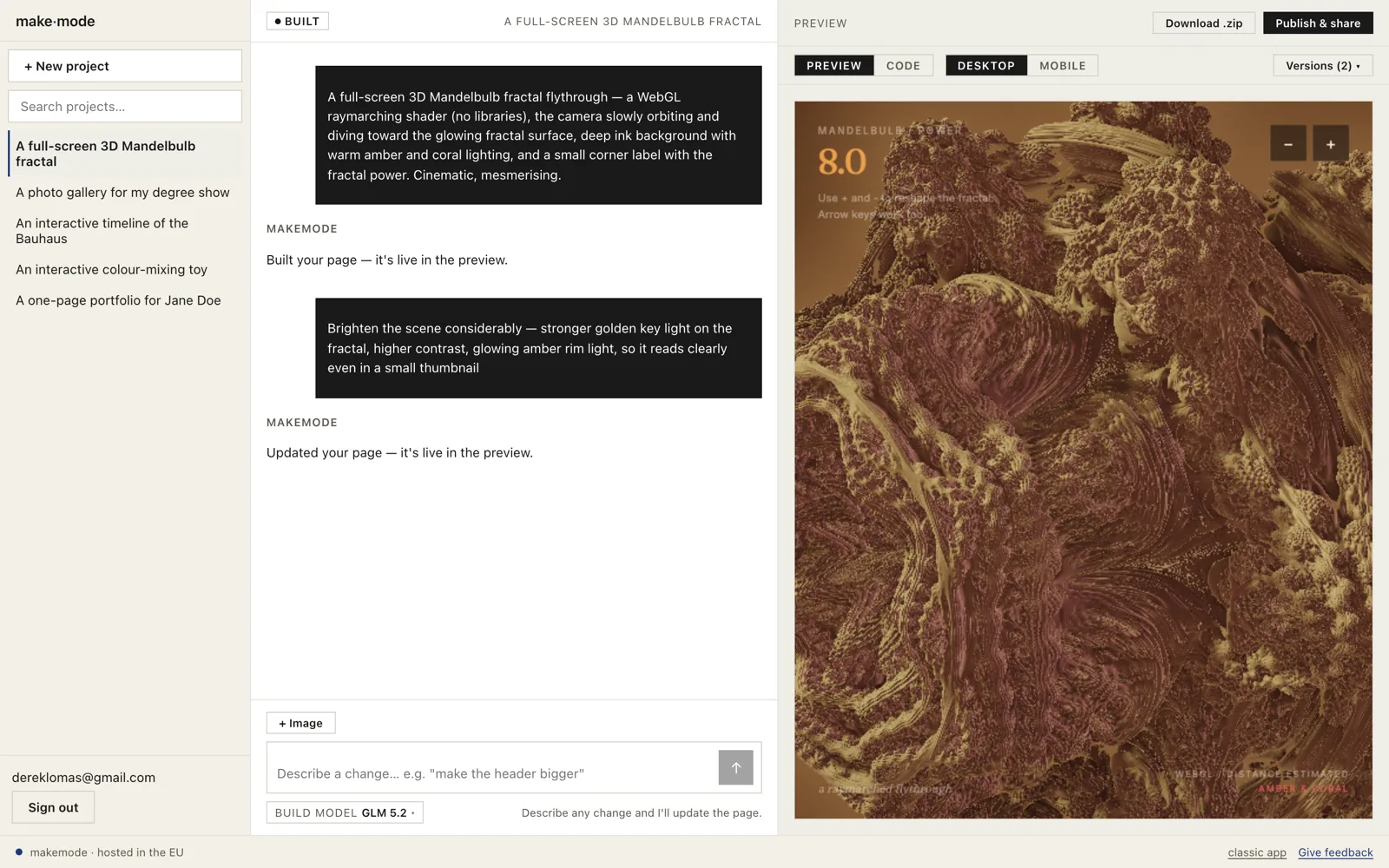
4 done — an interactive 3D animation from one sentence, changed just by describing what you want different
three tools
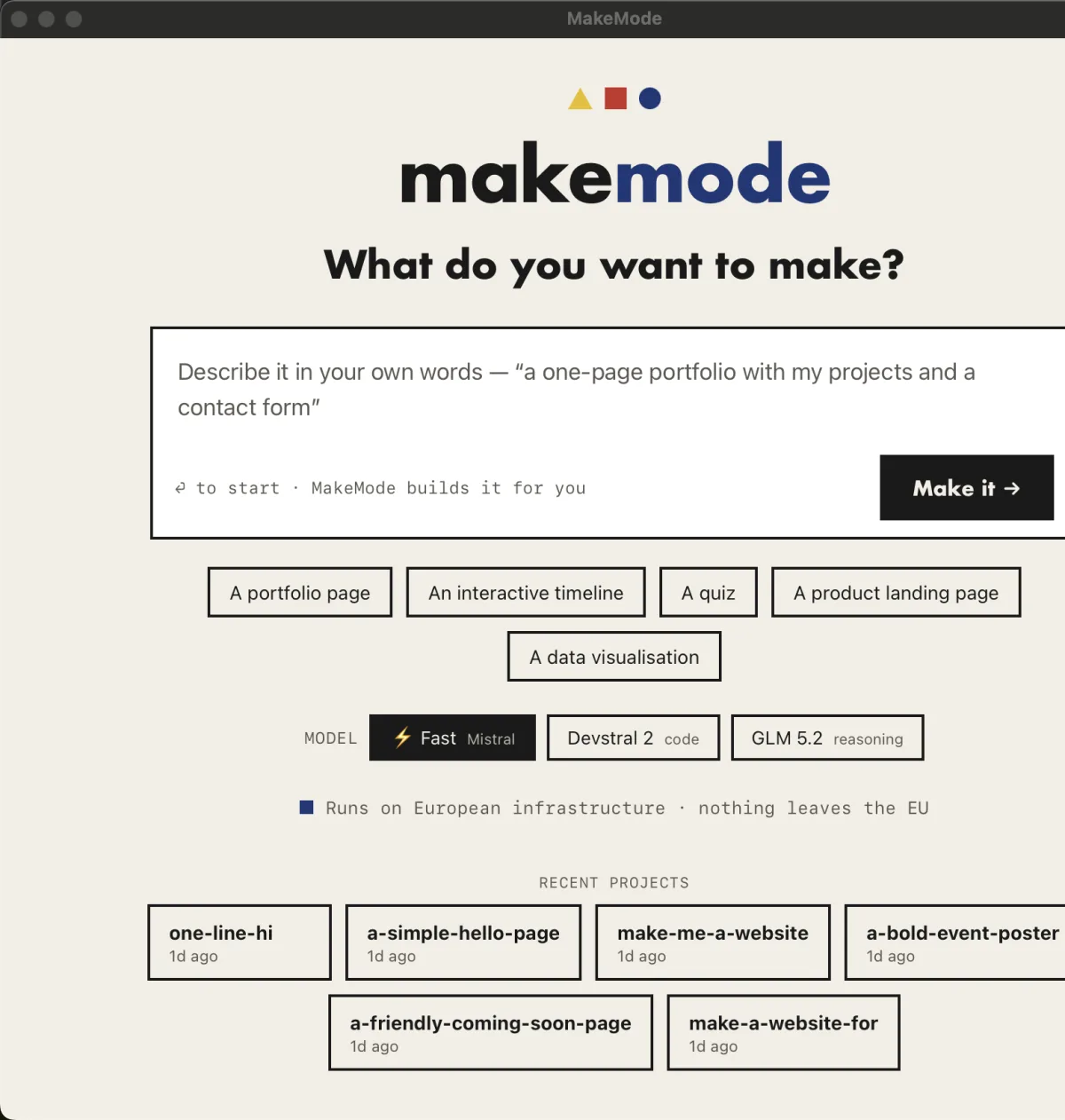
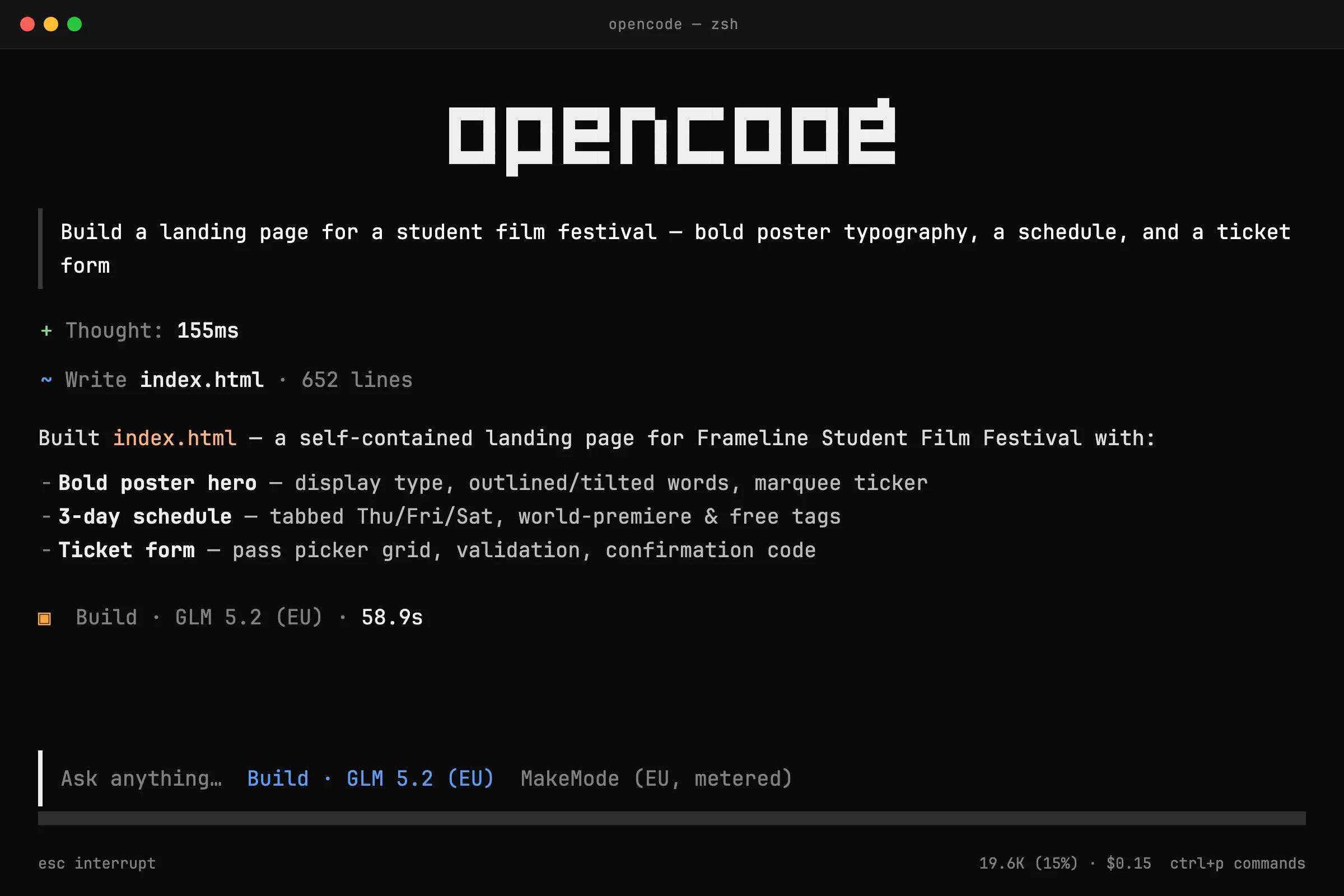
the same make loop, three tools.
Pick the one that fits how you work — it's the same make loop in each.
web app
In your browser at app.makemode.eu. Nothing to install — for anyone who wants to start right now.
demo →
desktop app
On your own machine. Works with your local files, and your data stays on your device.
demo →
terminal
Runs locally in your terminal. For people who want full control over every step (developers).
demo →