install & run
New to MakeMode? Start here. First find what you want to build, then get the terminal version running — all on EU rails.
start with your vision
Not sure what to build yet? Take the Vision Walk — ten quiet minutes, built on Appreciative Inquiry, that start from what already gives you energy. It moves through Discover, Dream, Design and Destiny, and hands you a vision you can build straight into MakeMode.
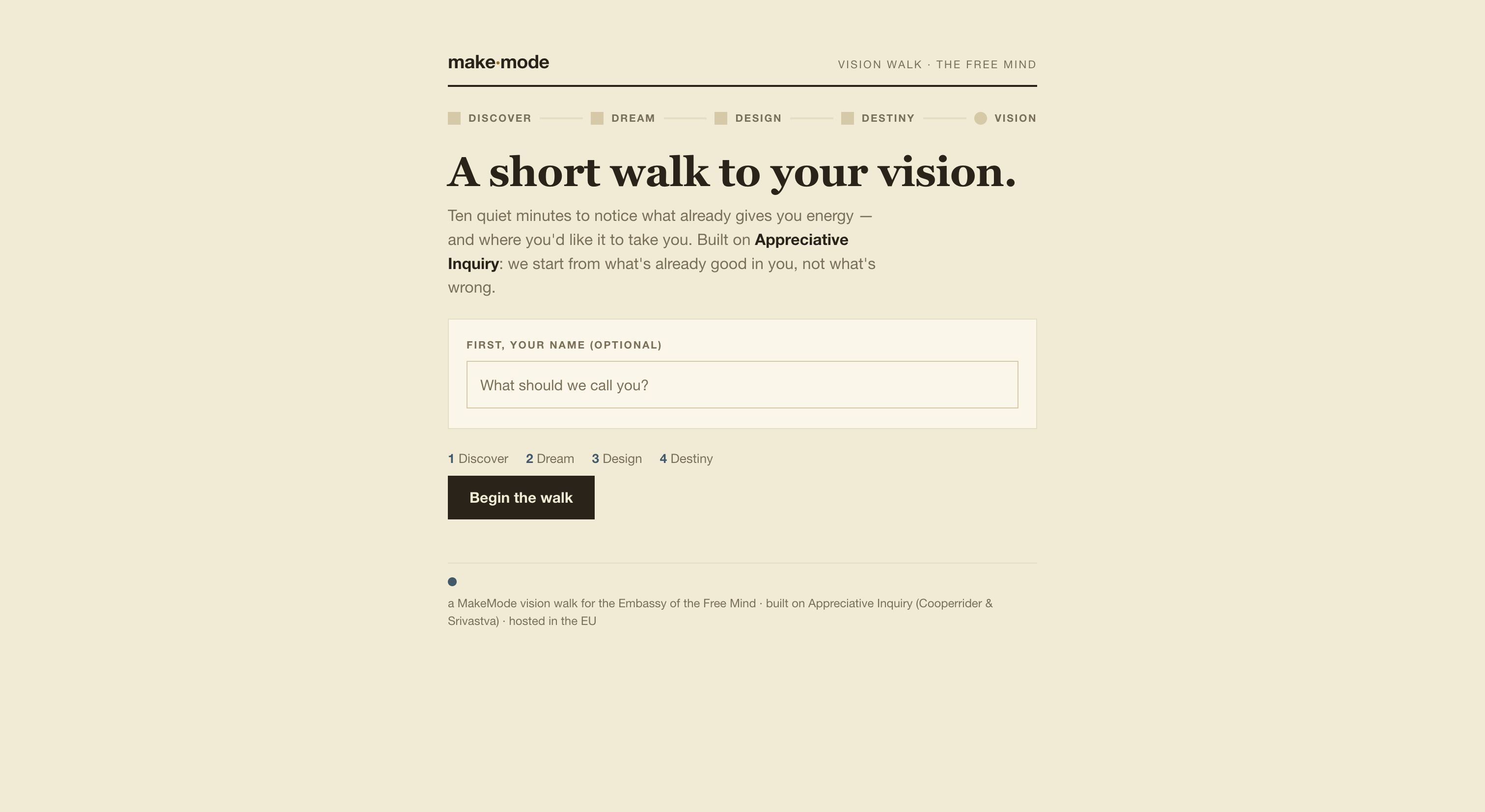
The Vision Walk at makemode.eu/vision — from a feeling to a build prompt in ten minutes.
take the vision walk →install & run the terminal version
Want MakeMode in your own terminal? One command installs it. Then you sign in, create your key, and run your first build — the EU models run from your machine.
- 1
Run the install command in your terminal.
- 2
Sign in and create your key when it prompts you.
- 3
Start MakeMode and describe your first build in plain words.
Prefer not to install? The web app at app.makemode.eu needs no setup — open it and start building.